Know where every buck goes.
Free bookkeeping for your small business, and a budget for your own money. Every sale shows what you kept after tax, card fees and your costs. Every bill shows up before it's due.
Free while we grow. No card, no trial clock. The demo opens a made-up bakery; there's also a household budget.
For your business
Built around how small businesses actually get paid: cash in the drawer, cards through Square, Zelle on the phone, and the customer who pays two ways.
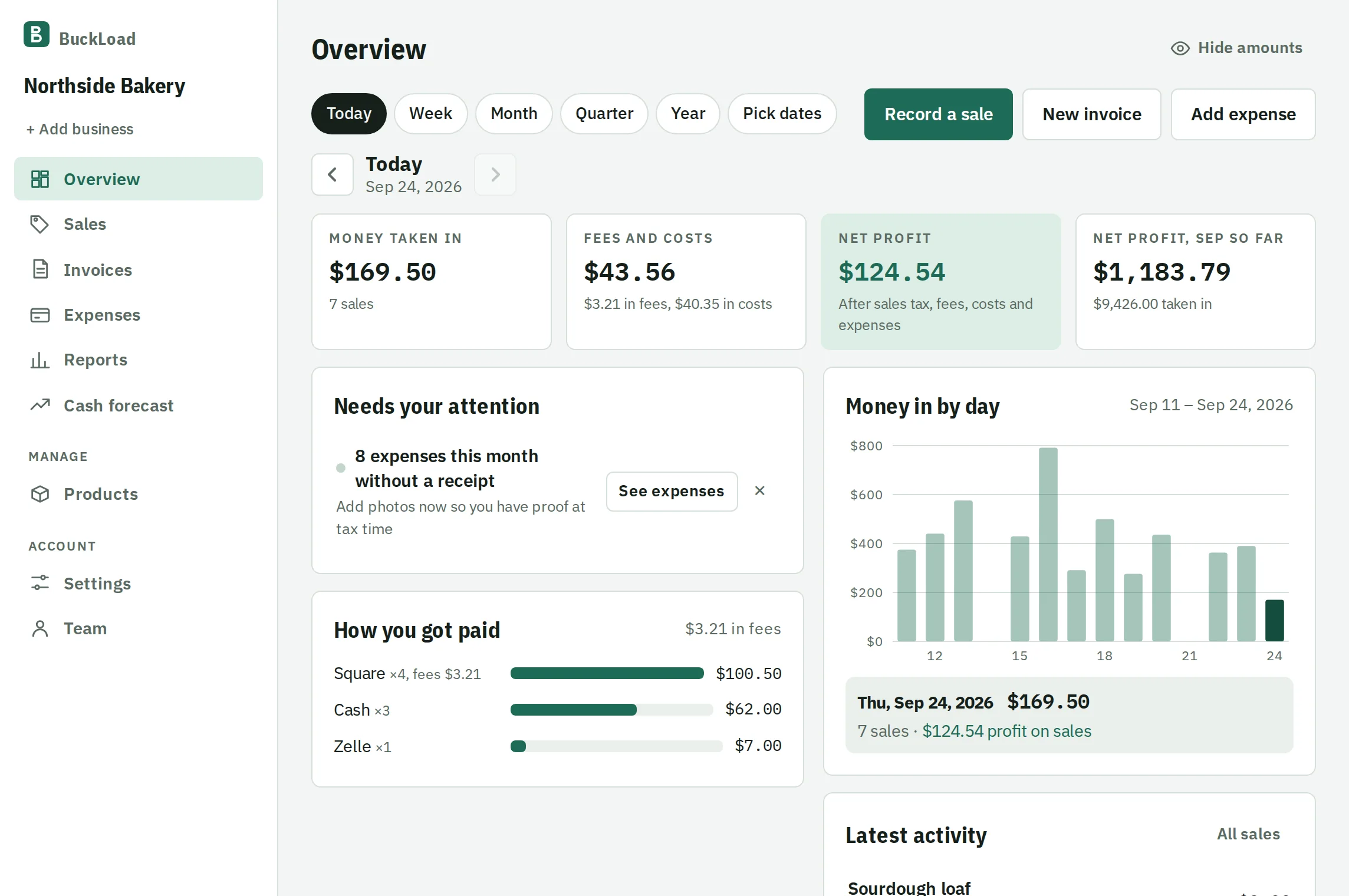
- Profit on every sale
- Set a price and what it costs you once. Each sale takes out the sales tax and the card fee on the spot.
- Invoices that chase themselves
- Send a link or a PDF, see when it's opened, repeat it every month, and let BuckLoad email a reminder when it's past due.
- Expenses, receipts and mileage
- Snap a receipt and the store, total and date fill themselves in. Import your bank statement and log miles at the IRS rate.
- Tax time, handled
- Sales tax and estimated tax due dates, plus a profit and loss PDF with mileage and 1099 contractor totals.
- Your team and your accountant
- Staff ring up sales without seeing your profit. Your accountant reads everything and changes nothing.
For your own money
Pick personal when you sign up, or add it next to your business and switch with one tap. Same login, separate books.
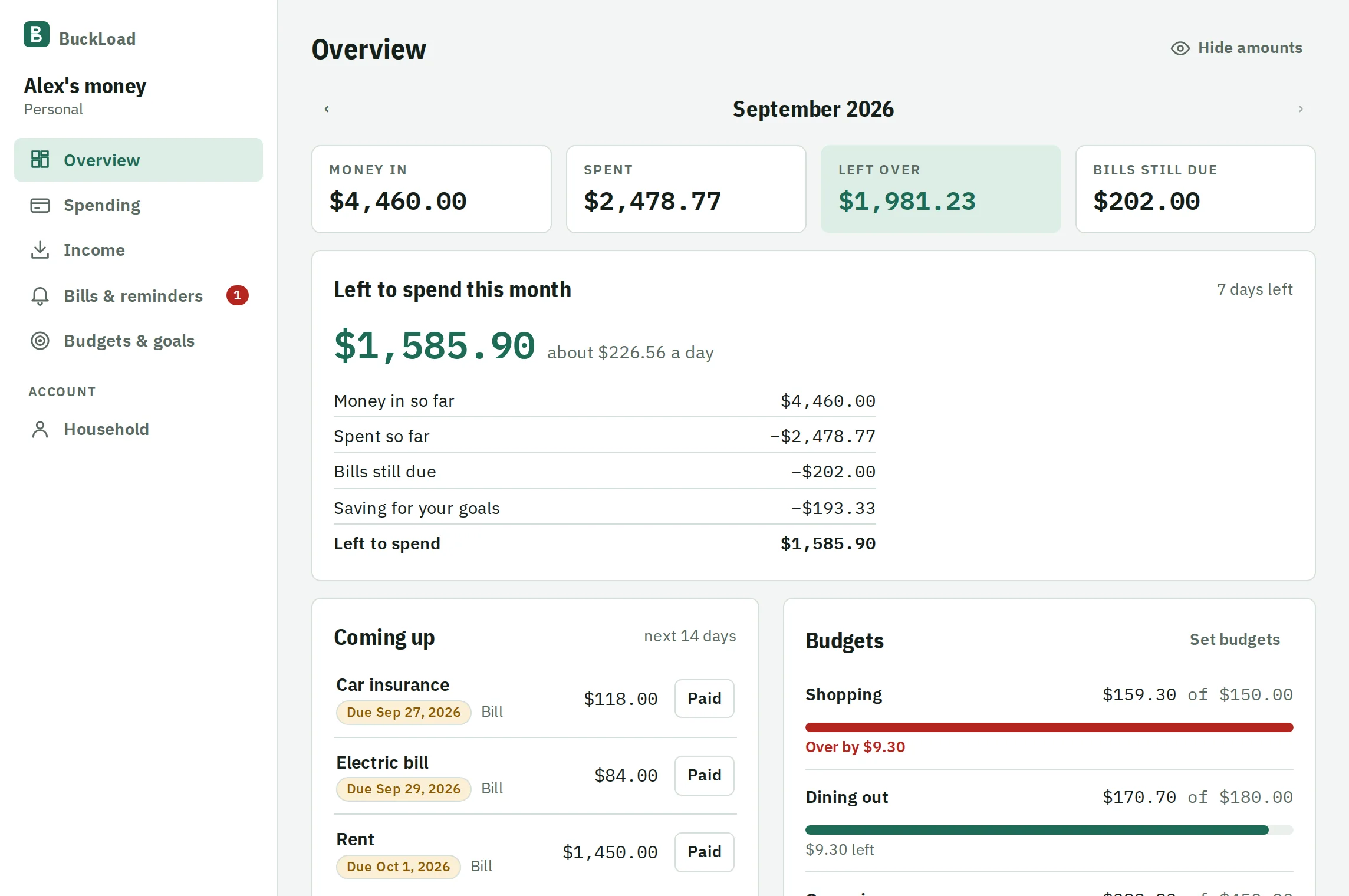
- Bills you won't forget
- Monthly and yearly bills on a calendar next to your paydays, with an email before each one is due.
- What's left, and what's ahead
- See what's left to spend this month, and your balance day by day until the next few paydays, with a warning before a tight week.
- Budgets that say what's left
- Start from a template or set your own limits. What you don't spend can carry into next month.
- Subscriptions you forgot about
- Charges that come back every month are found for you, with what they cost a year.
- Net worth and debt payoff
- See what you own minus what you owe, and the month you'll be debt-free.
- Bank import and sharing
- Bring in your bank's CSV file, and invite a partner to the same budget.
Set up in about ten minutes
No accounting background needed. A short checklist walks you through it the first time.
Sign up
With Google, or your email and a password.
Pick business or personal
Name your business or your budget. You can add the other later.
Add your first sale or bill
From your phone or any computer. Add BuckLoad to your home screen and it opens like an app.
Free, and here's the deal
BuckLoad costs nothing right now, with every feature included. We're building it with the people who use it, so tell us what's missing.
If prices ever change, you'll get an email at least 30 days ahead, and you can download everything you've entered at any time.
Questions
More answers on the Help page.
Is my information safe?
Your connection is encrypted, and each business's and household's books are walled off from every other account by rules in the database itself. Receipt photos are private. You can download your data or delete your account from the account menu. More on the Security page.
Can my employees or my accountant use it?
Yes. Invite them by email. Employees can record sales, expenses and cash counts, but they never see your profit or what things cost you. Your accountant can read all your books and download reports, and can't change anything.
I have more than one business. Does that work?
Yes. Keep a separate set of books for each, with their own tax rates and payment fees, and see them combined in your reports.
Does it connect to my bank?
Not directly yet. You can download a CSV file from your bank's website and import it in a few clicks. BuckLoad sorts it into categories and skips anything already added.
Is it an app I download?
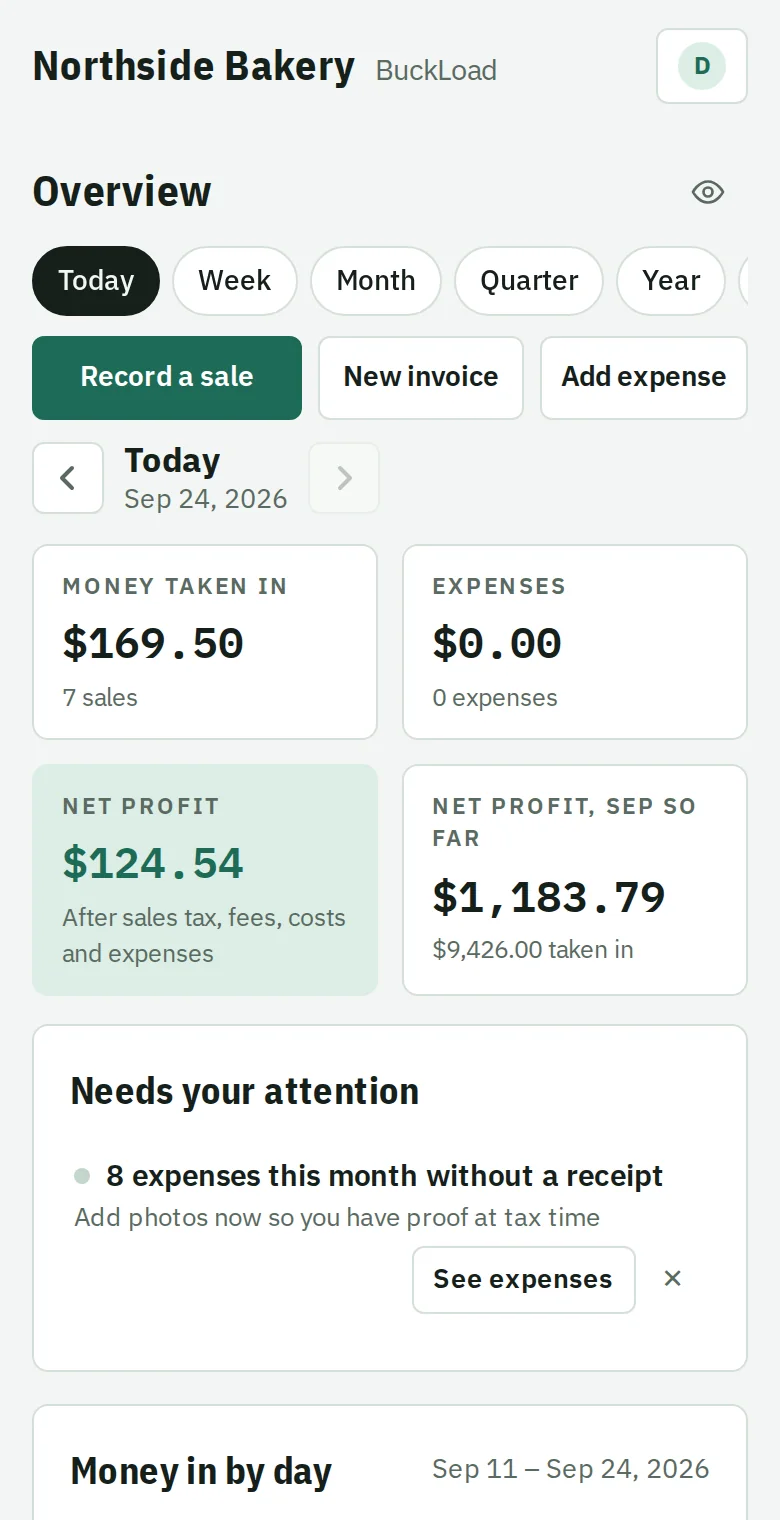
It works in any browser on your phone or computer. On a phone, use "Add to Home Screen" and it opens full screen like any other app.